PortSwigger is embracing AI across every facet of its work. It helps teams explore ideas, investigate problems and deliver working software faster. From security research to product design, teams across the company are already putting AI agents to work every day.
Nowhere is that shift more visible than in engineering, where developers are increasingly building software alongside AI agents rather than just with them. Using several coding agents at once, however, introduces a new problem: keeping track of the work.
That problem led to the development of Agent Wrangler, a desktop application for organising tasks and coordinating multiple coding agents without losing the bigger picture.

Product development often involves many small, parallel tasks. Coding agents are a natural fit: different agents can implement a feature, test an approach or work on separate parts of a larger change.
As the number of agents increases, so does the cognitive load. Developers need to know what each agent is doing, what state it is in and what needs to happen next. Agents can wait for a decision without their developer realising that they are blocking progress.
The constraint is no longer how quickly an agent can work. It is how effectively a developer can direct and coordinate several of them.

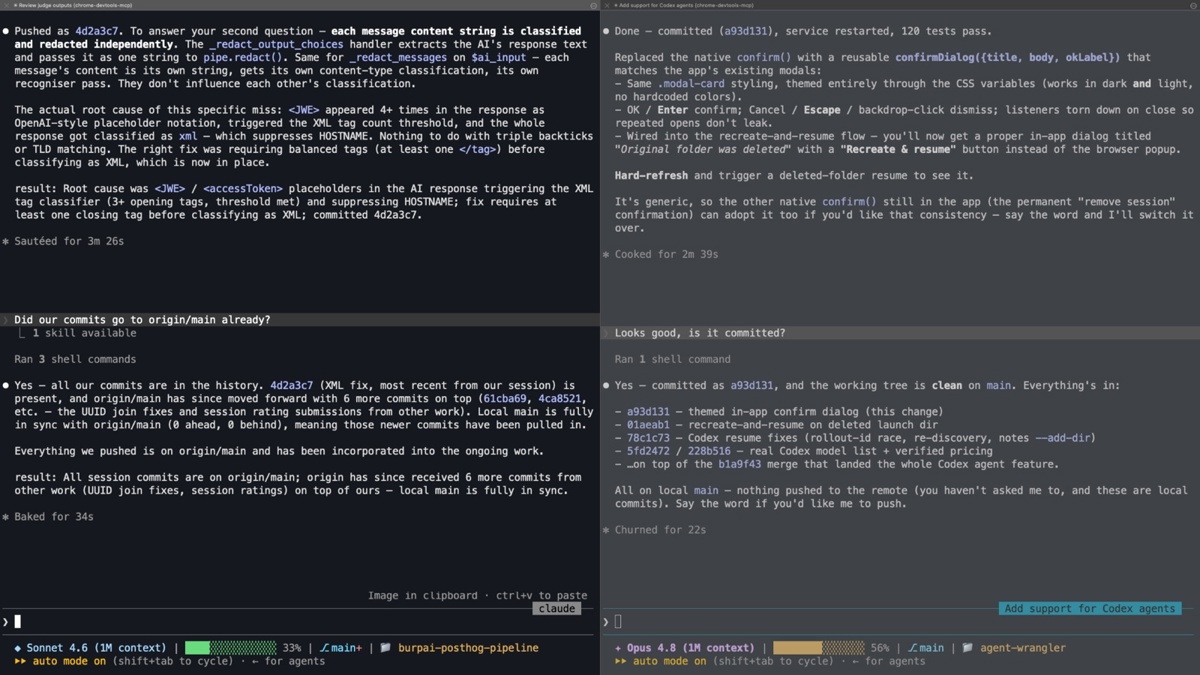
One example is Claude Code’s own terminal, split into tiles or tabs with a session running in each. It’s a reasonable starting point, but the interface still shows terminals, not the work they’re contributing to, and that gap only widens as the number of sessions grows.
Claude Code’s Agents view is a step up: it lists sessions in one place rather than scattering them across tiles, and tools like Claude Desktop, Warp and Herdr offer similar ways to group, rename and switch between sessions.
None of them, though, give developers the cognitive separation they actually need: a way to hold the plan in view rather than in their heads, shaped around intent rather than the processes running underneath it.

None of the existing tools quite fit, so we started building our own solution: something purpose-built for coordinating several coding agents at once, rather than adapting a terminal multiplexer or a generic Kanban board to the job.
Early prototypes used a mind map to represent the relationships between sessions, working folders and worktrees. It captured the connections, but quickly became too chaotic to scan. A Kanban view added structure, but sessions jumping between ‘idle’, ‘working’ and ‘needs you’ made their positions unstable.
The breakthrough came from grouping sessions into tasks. The things developers need to manage are not terminals or processes; they are pieces of product work, with one or more AI sessions contributing to each of them.
Once the interface matched that mental model, Agent Wrangler began to take shape.

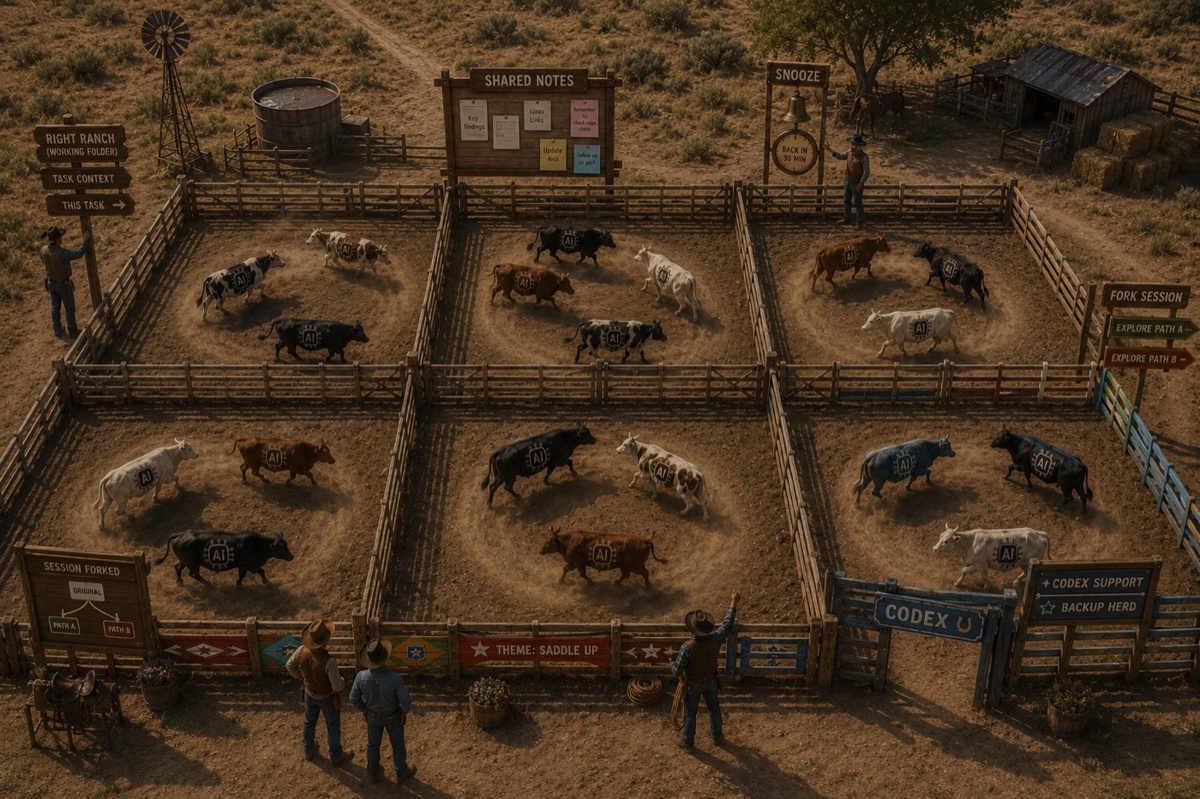
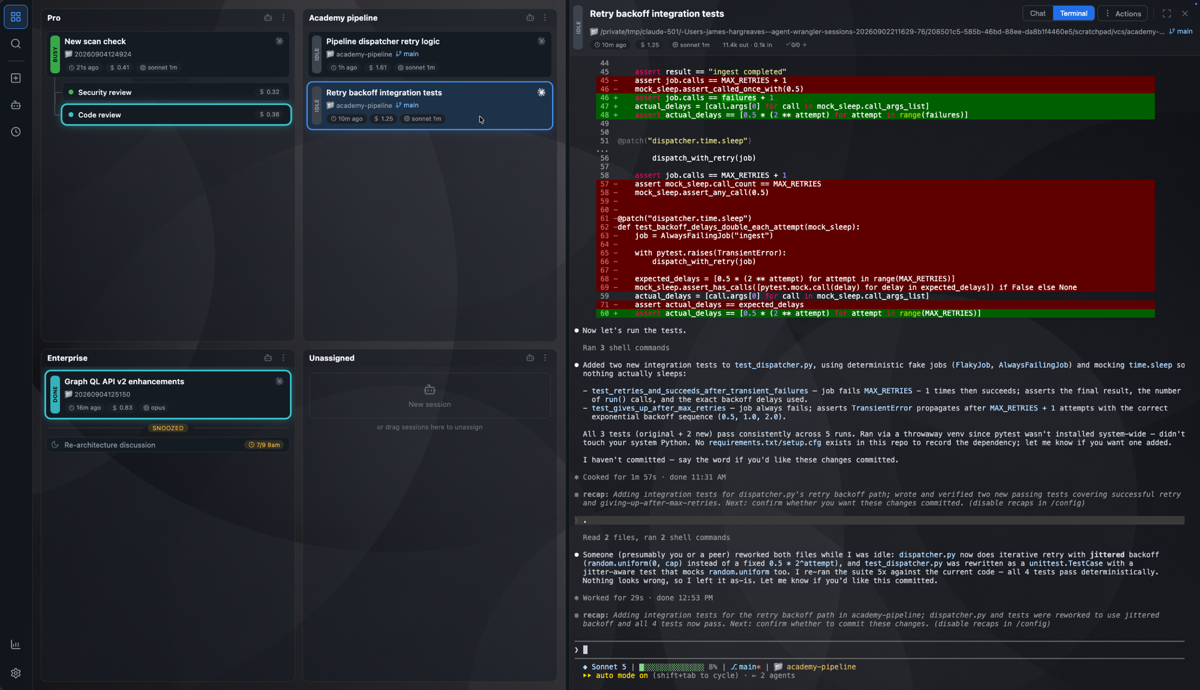
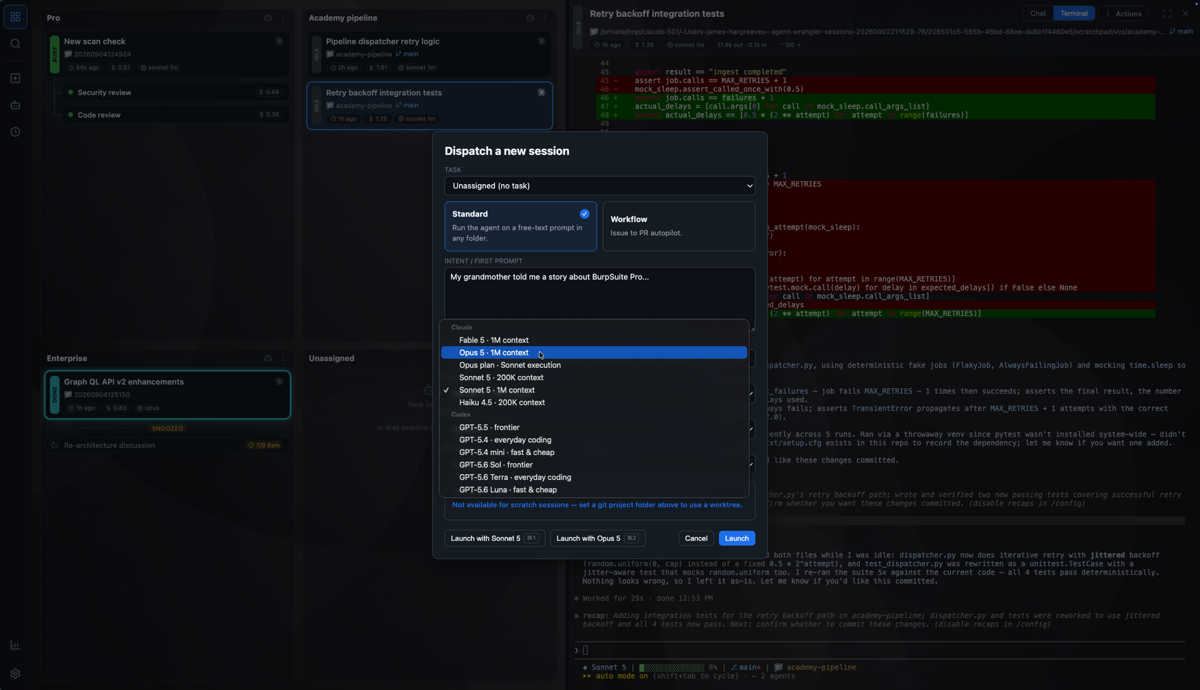
In Agent Wrangler, we create and arrange tasks, then start coding-agent sessions within them. Each session has its own working folder and model, while remaining visibly connected to the outcome it is helping to deliver.
The interface to instruct agents is directly inside the application, so the plan and the work stay together. Sessions can be renamed, reordered or moved between tasks as the work evolves. Completed sessions can be archived, searched and resumed later instead of disappearing into terminal history.
This gives developers a stable overview while still allowing agents to work independently and in parallel.
After the first useful version was shared internally, other PortSwigger engineers began using it and contributing improvements. That everyday use continues to identify the small pieces of tooling that make agent-assisted development feel much more coherent.

Agent Wrangler supports both Claude Code and Codex. Treating the agent as a choice within the workflow makes it easier to use the right model for the job, and to keep working when one service is unavailable.
New sessions inherit sensible working-folder defaults from their task. Shared notes give sessions essential context, acting as lightweight memory across agents. Sessions can be snoozed until they need attention again.

The next step was to let agents participate in coordination rather than leaving all of it to the developer. With MCP and skills support, any agent session running within Agent Wrangler can interact with Agent Wrangler itself.
An agent can attach a pull request to its task, allowing Agent Wrangler to monitor it and notify the agent when something changes. The agent itself can start another session when a piece of work needs to be split out, carrying the relevant context across automatically instead of relying on manual summaries and copy-and-paste. The ability for agents to spawn their own sessions is one of the more powerful enablers here.
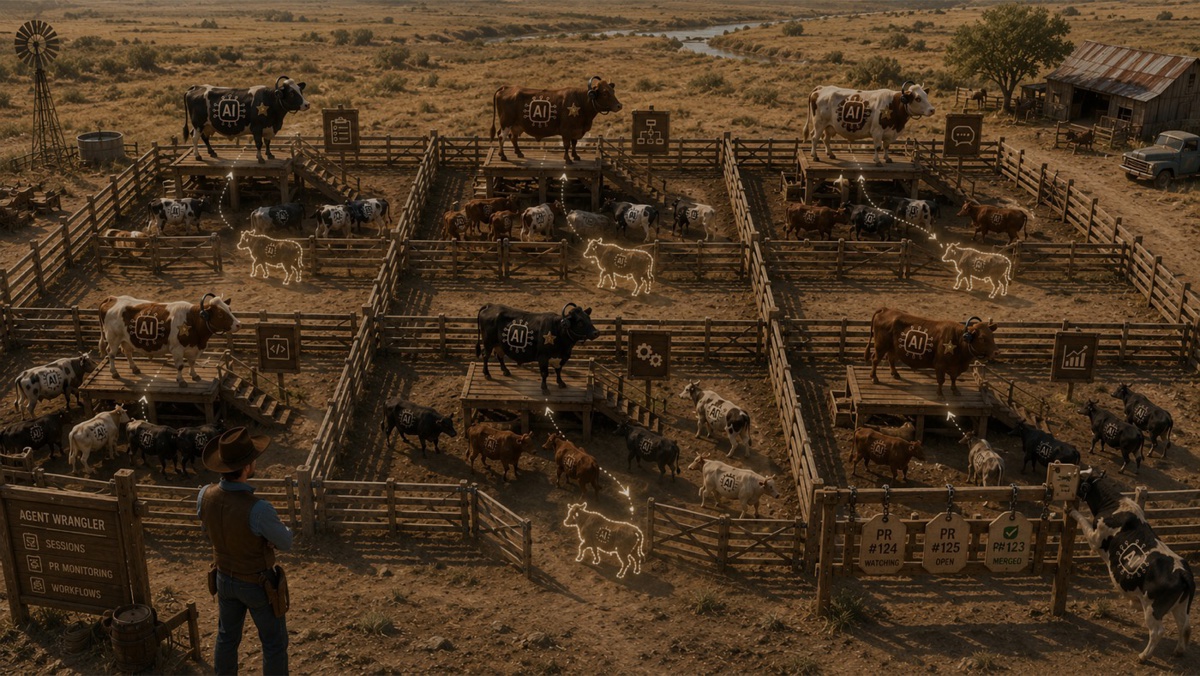
Agents can also communicate across sessions, and workflows can combine these capabilities to deliver a larger piece of work, enabling patterns such as a higher-intelligence orchestrator managing a fleet of lesser agents. The developer remains able to see the plan, guide decisions and intervene where judgement is needed, without becoming the routing layer for every update.
A few reactions from our own engineers along the way:

We’ve made Agent Wrangler available on GitHub for everyone to use.
Agent Wrangler began as a response to a practical problem in PortSwigger’s product-development workflow. It has since become a useful place to explore a broader question: what tooling do developers need when software work is shared across people and multiple AI agents?
That question isn’t limited to engineering. PortSwigger’s research team has also started using Agent Wrangler to manage their own agents and the context those agents accumulate, a sign that the same coordination problem shows up wherever people are directing several AI agents at once, not just in software development.
By open-sourcing Agent Wrangler, PortSwigger hopes others can try these ideas, adapt them to their own workflows and help shape what comes next. It is one example of how PortSwigger is embracing AI in product development, and investing in the tools needed to use it effectively.
At PortSwigger, engineers are encouraged to experiment with AI in their own workflows. Agent Wrangler came from that culture: people noticed a coordination problem, explored possible answers and shared what they learned. If your company’s approach to AI feels more restrictive than enabling, and you want to help shape how thoughtful teams use it, we’d love to hear from you.